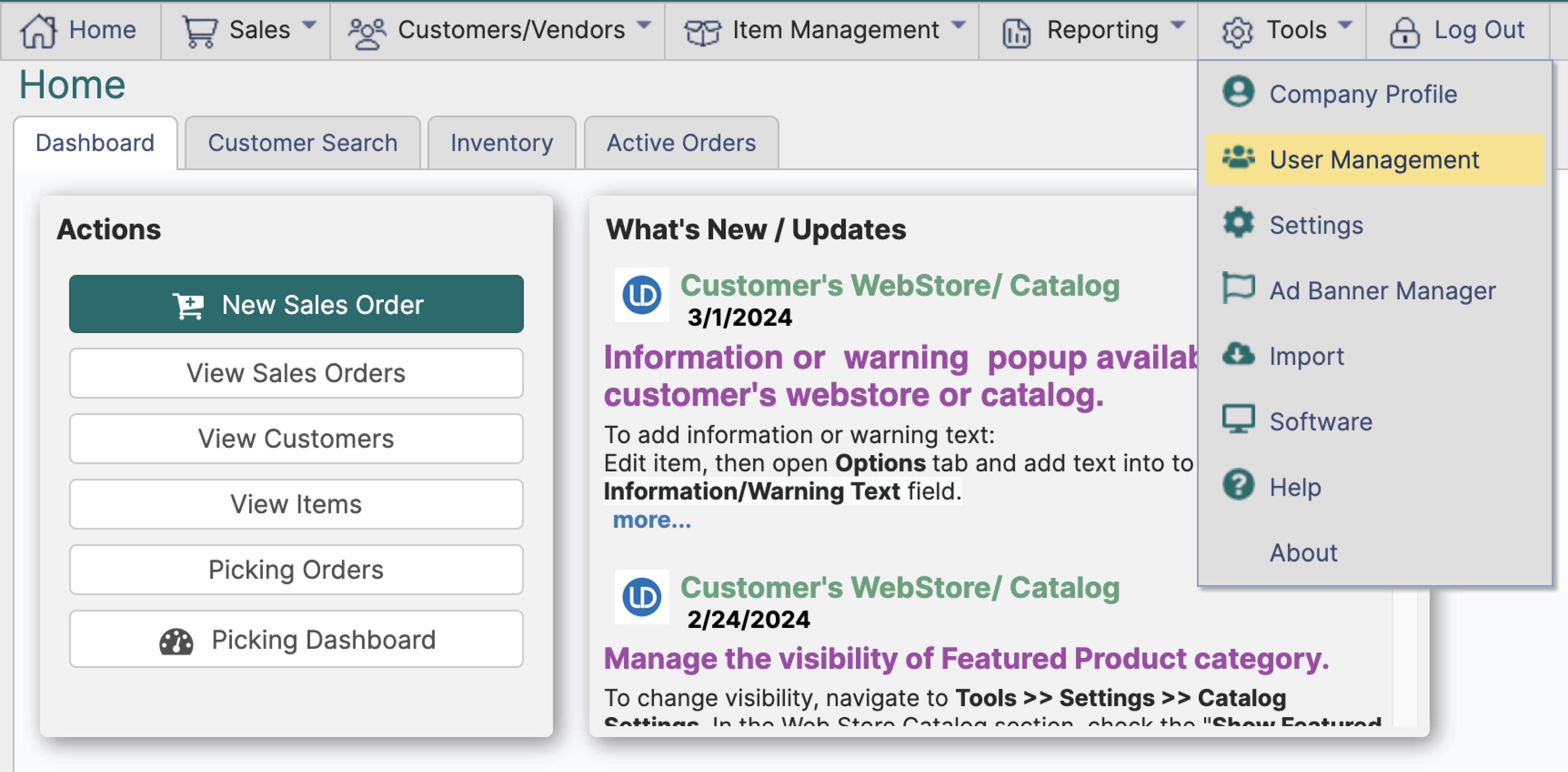
¶ User Management
¶ Creating a New User
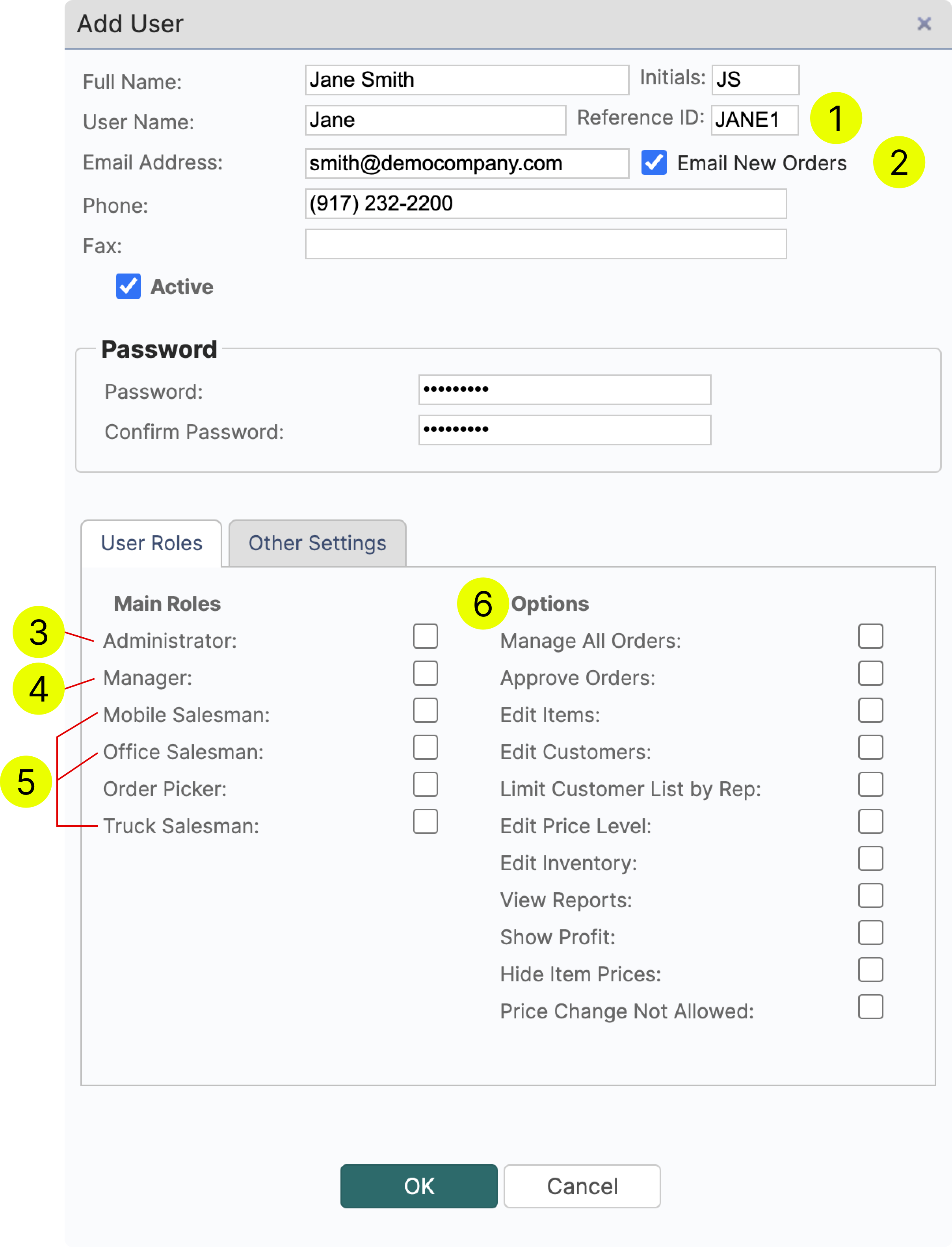
- If you are using QuickBooks or another ERP along with LodDepot Reference ID will be used to match the user between the two systems.
- Check this box if you want LodDepot to send notifications about each new order that is created.
- Administrator
Has full access to the account. This is the only type of user that can make changes to Company Profile and Security Settings - Manager
Has the same rights as the Administrator except for Company Profile and Security Settings - Salesman
Choosing between Mobile/Office/Truck Salesman only helps to categorize the users more efficiently. - Salesman rights are controlled by using the Options checkboxes
¶ Options
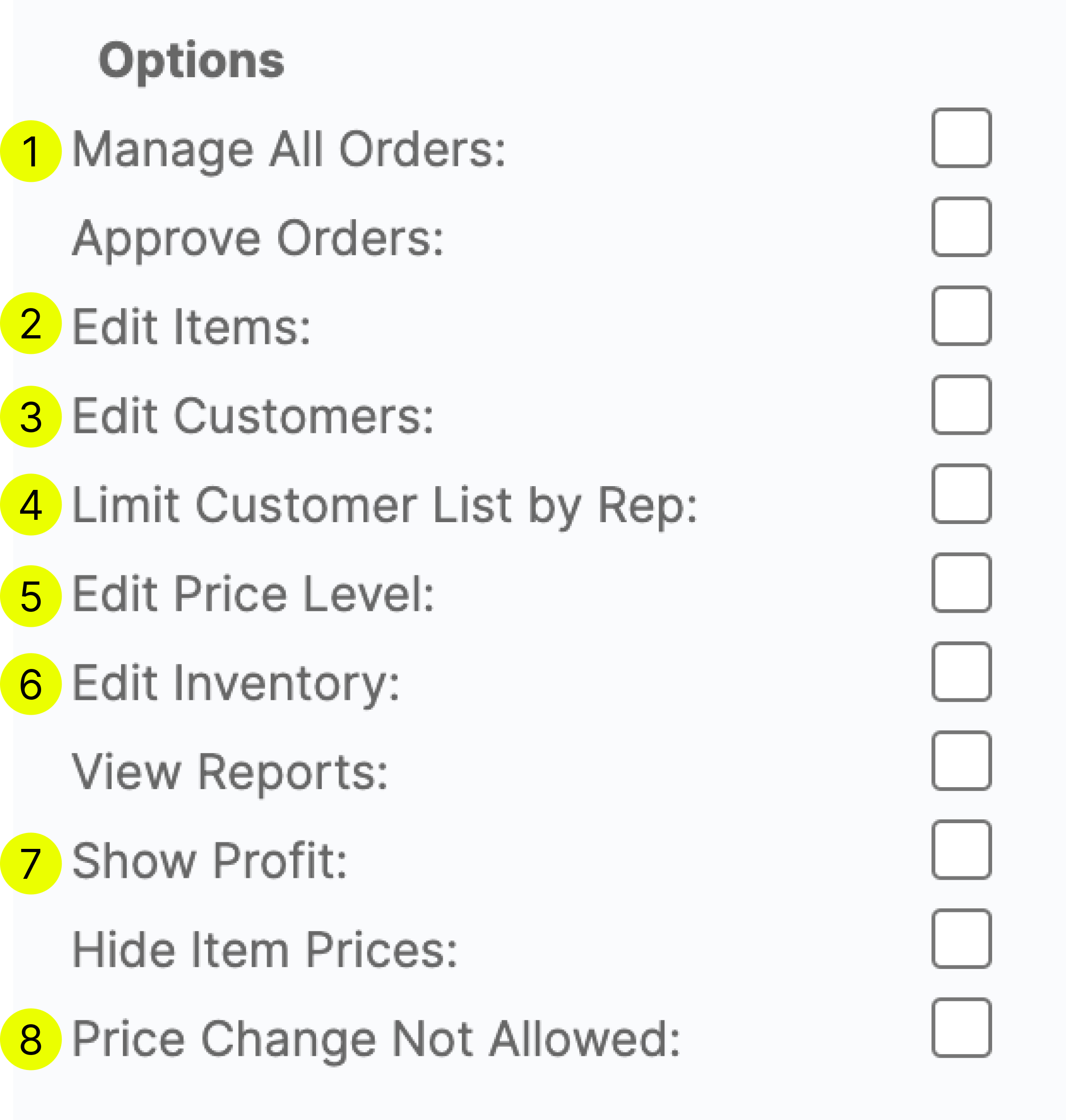
Options are used to control the rights of Salesmen.
- The salesman will be able to edit all orders including the orders of other salesmen.
- Set new price or cost, delete, create items.
- Edit customers information incl. terms, credit limit add or delete stored files.
- By checking this box, the user will only be able to view the customers that are assigned to this sales rep.
- Manage price levels.
- Manage item lots and inventory.
- Cost and profit information will not be visible to this user
- The salesman will not be able to edit prices when creating or editing an order
¶ Other Settings
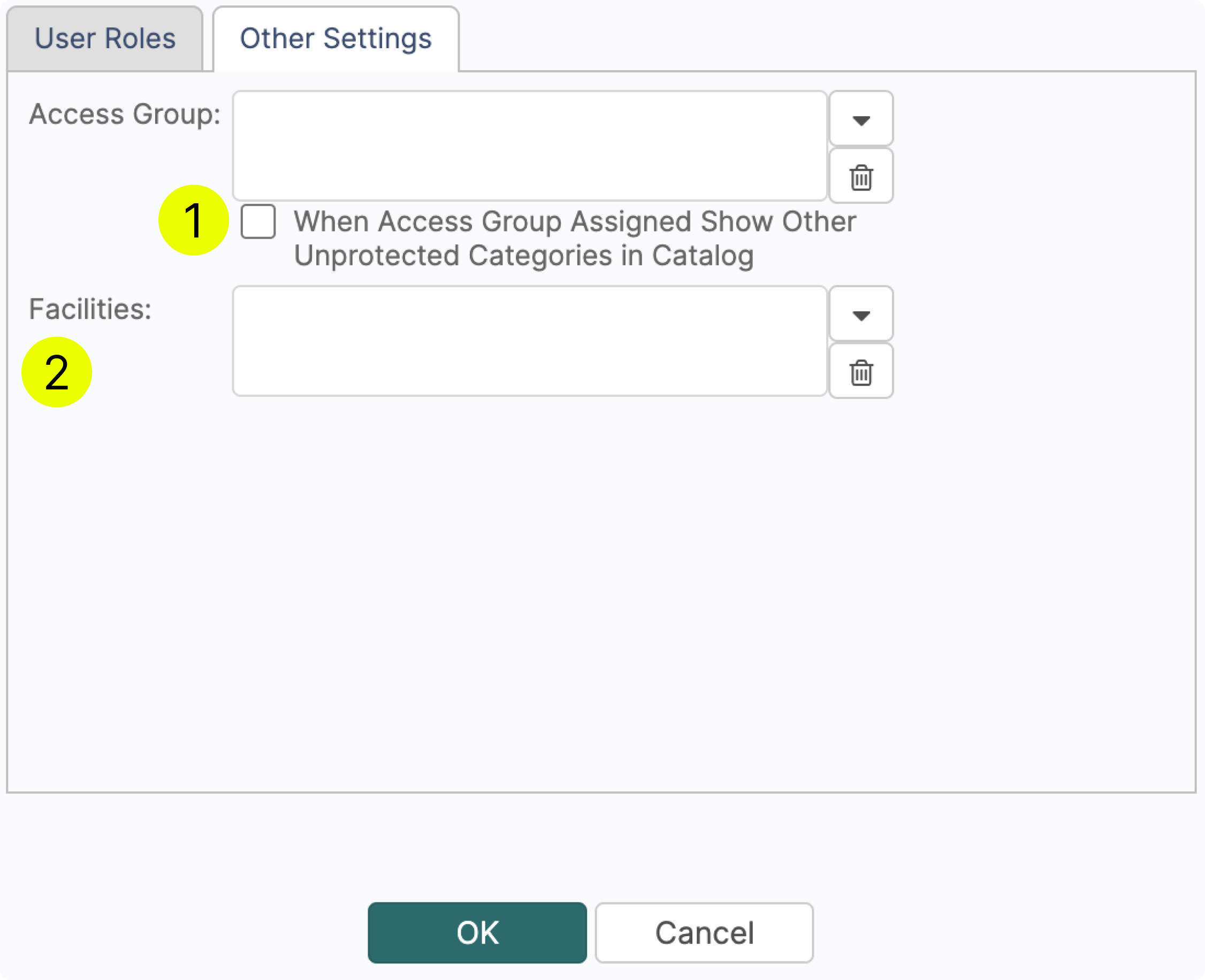
- By assigning an Access Group, you can control the visibility of certain categories by this user.
If you want to allow the user to view a protected category + all other categories, then check this box.
If you want the user to have access only to categories marked visible only to a certain access group, then leave the box unchecked - If you assign a user to a certain facility than this customer’s view will be limited only by the inventory at that facility.
- Report Work Hours (Time Card): the user clocks in and out in the mobile app and the shifts show on the Sales-Rep Time Cards page and the Sales-Rep Work Hours report. Shown when Sales-Rep Time Card is turned on in Settings. See Sales-Rep Time Card.
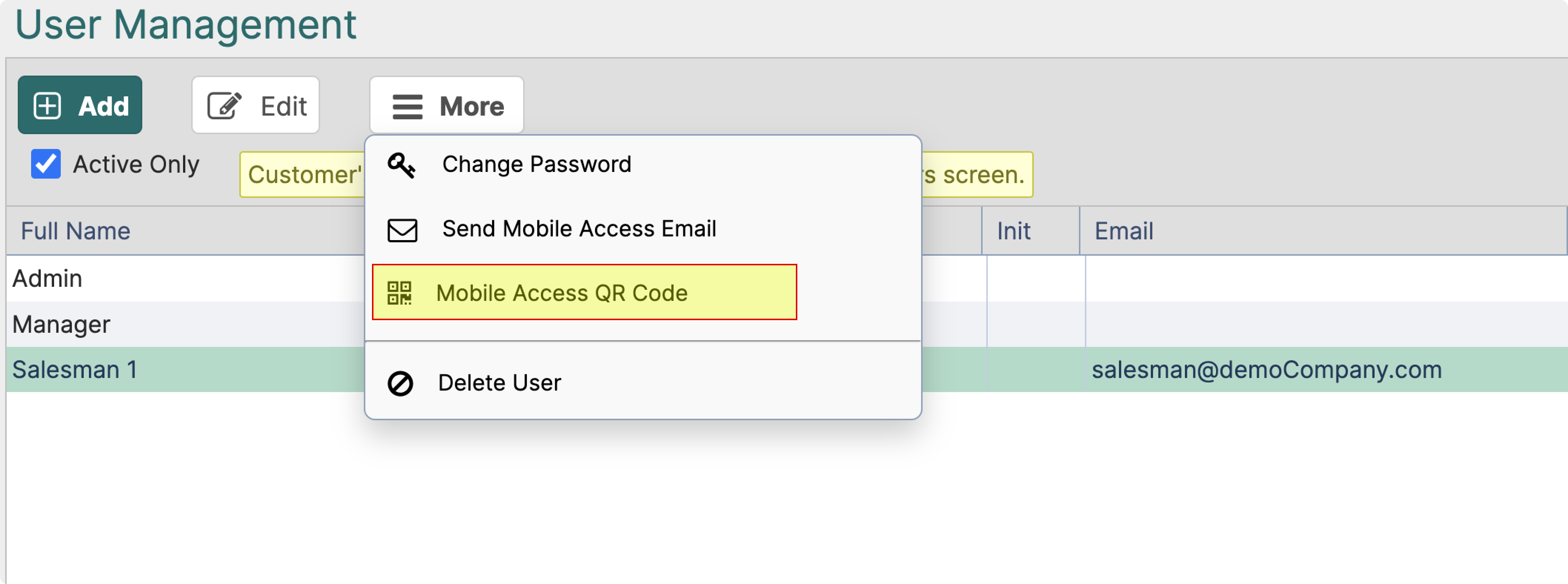
¶ Mobile Access QR Code
To quickly set up a new user's device, scan a QR code that can be generated by selecting the user and clicking More.